New in Surveys: More Flexibility for A/B Comparisons and a new Gallery Layout
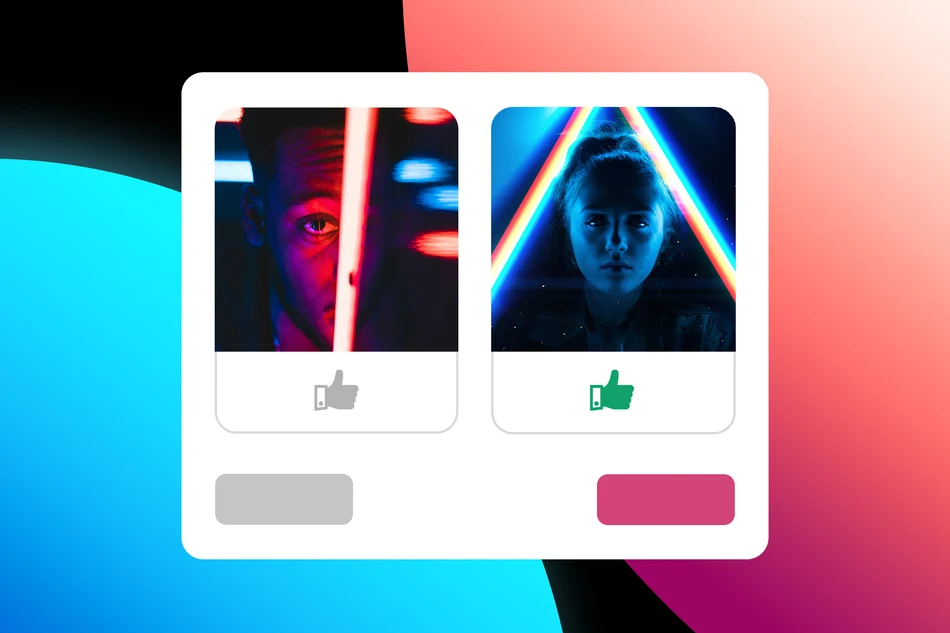
Previously, A/B comparisons within a survey were somewhat limited. Options were displayed one below the other, not randomized, and images were only shown as small thumbnails. This could lead to order bias and made visual comparison harder. Now you can combine multiple A/B comparisons in a single survey – clear, fair, and much more visual.
Randomized Order in Ratings
When creating a rating step in a survey, you can now randomize all options directly in step 1. Each participant will see their own randomly ordered list or gallery. This means:
- No bias from fixed ordering
- Fairer results
- Better comparability
This is especially useful for design decisions, UX tests, or content variations.
New Gallery View for Images
Another new feature is the gallery view for images. Instead of a list with small thumbnails, you can now:
- display images large and in focus
- present them in a visually appealing way
- put the content front and center
Titles, descriptions, etc. intentionally take a back seat – ideal when visual impact matters most.
This view is not only suitable for A/B comparisons, but also perfect for design feedback and large image collections. You can configure these features individually per survey step. When creating a new rating step, you’ll find a small preview, layout options (gallery or list), and the ability to randomize options.
Published at: 2026-05-06 09:38 AM