Import Text Options from Excel, CSV, or Text Files
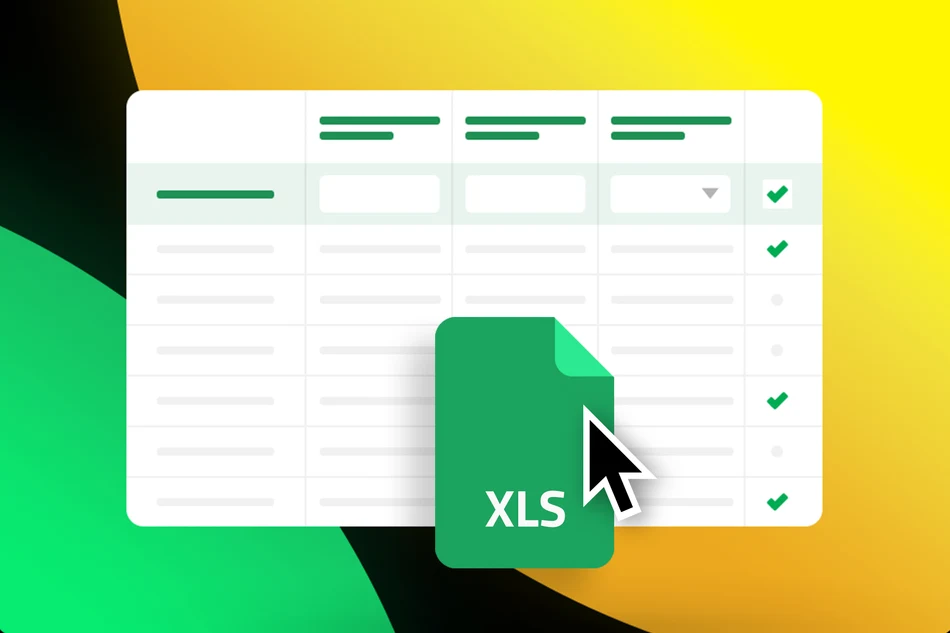
Creating large votings or surveys with many text options used to be tedious: typing options manually, copying them, or inserting them line by line. With the new »Option Import« feature, you can now import prepared data directly from files.
You can now upload the following file formats:
- Excel files (.xlsx)
- CSV files (.csv)
- Text files (.txt)
The importer scans each row and automatically uses the first non-empty column and, in text files, each line as the option text. This makes it possible to create hundreds of options within seconds.
Ideal for Large Votings
The new feature is especially useful for:
- large text votings
- name lists
- topic or idea collections
- prioritization and rating lists
- contests with many entries
Instead of creating options manually, you can directly import existing lists from Excel or other tools.
Perfect for Votings in Surveys and Likert Scales
The import works not only for classic votings, but also within survey steps containing text options.
For example, you can quickly import prepared:
- Likert scales
- rating options
- answer lists
- A/B or multiple ratings
Especially for more complex surveys, this saves a lot of time and reduces errors caused by manual copying.
Published at: 2026-05-20 10:16 AM