New in Free Tables: Add Emoji Reactions Directly to Cells
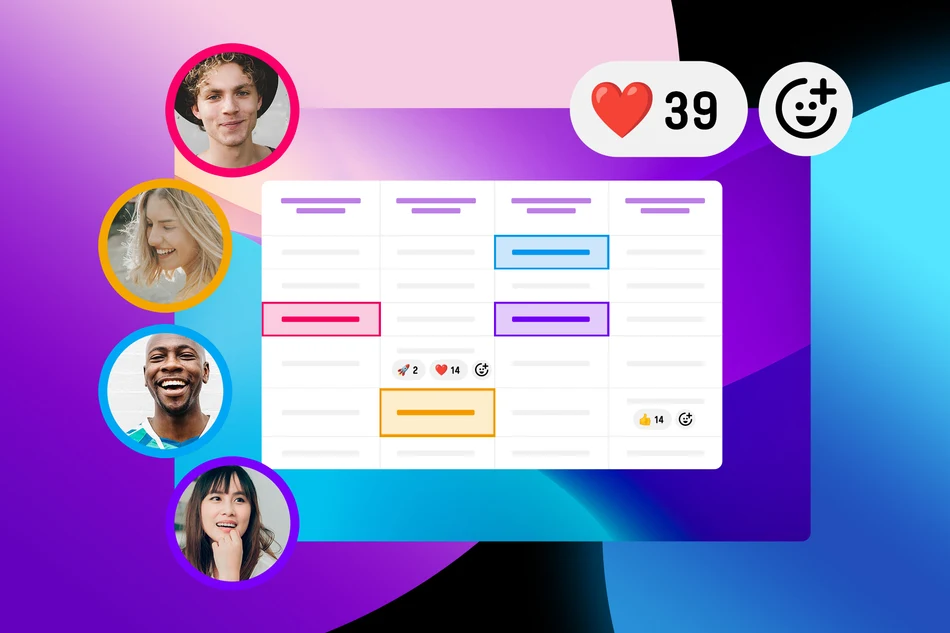
Sometimes you don’t need a long comment. A ❤️, 👍 or 🎉 already says it all.
That’s why you can now add emoji reactions to individual cells in Free Tables. Participants can quickly show what they like, express their approval, or react to an entry – right where the feedback belongs.
When comments are enabled for your table, participants can not only write comments but also add emoji reactions to individual cells. This is especially useful when a detailed response isn’t necessary. An emoji works like a quick shortcut comment:
❤️ I like this
👍 I’m in favor
🎉 Great idea
👏 Well done
😂 That’s funny
And of course, there are many more emojis to choose from.
How reactions work
You can add a new reaction via the context menu of a cell.
As soon as the first reaction has been added to the table, a shortcut icon also appears directly in the cells. This makes adding more reactions especially quick and easy.
Permissions are based on the comment settings: Anyone who is allowed to add comments can also react with emojis. After all, a reaction is essentially the shortest possible form of a comment.
Use cases for reactions in Free Tables
Emoji reactions make Free Tables more interactive wherever quick feedback is needed. Instead of writing a comment or creating a separate poll, participants can react directly to individual entries.
- Prioritization: Mark suggestions with 👍, ❤️ or 🚀 and quickly see which ideas are most popular.
- RSVPs and events: React to agenda items, activities, or other entries and collect additional feedback for planning together.
- Potlucks, buffets, and bring-a-dish lists: Use ❤️ to show which dessert you’re looking forward to or 👍 to support a suggestion.
- Teams and projects: Easily confirm, appreciate, or comment on tasks, suggestions, or results.
- Workshops and brainstorming: React to collected ideas during the workshop and get an initial sense of the group’s preferences.
- Clubs and groups: Collect suggestions for trips, events, or shared activities and get direct feedback from the group.
This way, a Free Table combines structured information with easy interaction – without requiring a separate comment for every small piece of feedback.
And especially on mobile devices, a single tap is often enough to say: ❤️ I like this.
Published at: 2026-09-16 10:05 AM