Create PollUnits with your AI assistant
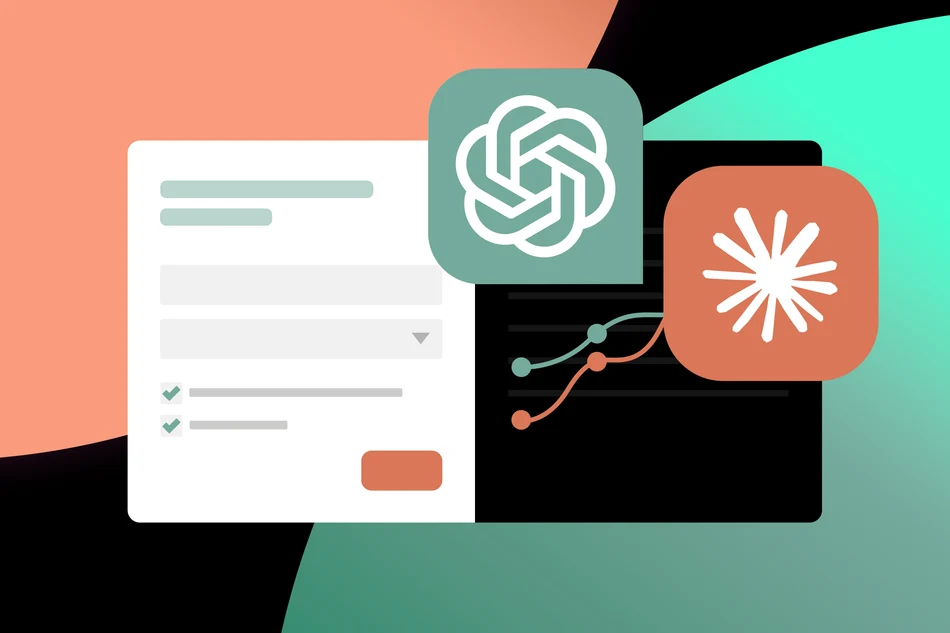
From your first idea to a finished survey: Connect PollUnit to your AI assistant and create polls, surveys, or contests directly in your conversation.
Do you use AI to brainstorm ideas, draft questions, or plan projects? With PollUnit’s new MCP interface, you can turn that work directly into a suitable PollUnit. Describe what you need to your assistant and use PollUnit’s wide range of voting methods, participation restrictions, and analysis tools to run it.
Turn your prompts into a ready-to-use PollUnit
Suppose you want to find out how satisfied your online store’s customers are. Instead of manually transferring the questions from your AI conversation, you can ask your connected assistant:
“Create a customer satisfaction survey for our online store. Ask about product quality, delivery, and customer service.”
Your assistant drafts the questions and creates the survey in PollUnit. You can then review it, make adjustments, and share the participation link.
The context of your conversation can also be incorporated. If you have already discussed your target audience, goals, or wording, your assistant can build on that.
Analyze results directly in your conversation
The connection also helps after creation. Your assistant can retrieve existing PollUnits and their available results. This lets you ask in the same conversation:
“What are the current results of our satisfaction survey?”
You can then summarize results, discuss notable findings, and develop next steps. For open-ended responses in particular, AI can help identify recurring themes.
You connect your AI assistant yourself to your PollUnit account and authorize access. If you do not activate MCP, nothing changes in how you use PollUnit.
Published at: 2026-10-14 08:38 AM