Random Subset of Options: Split Large Surveys into Manageable Parts
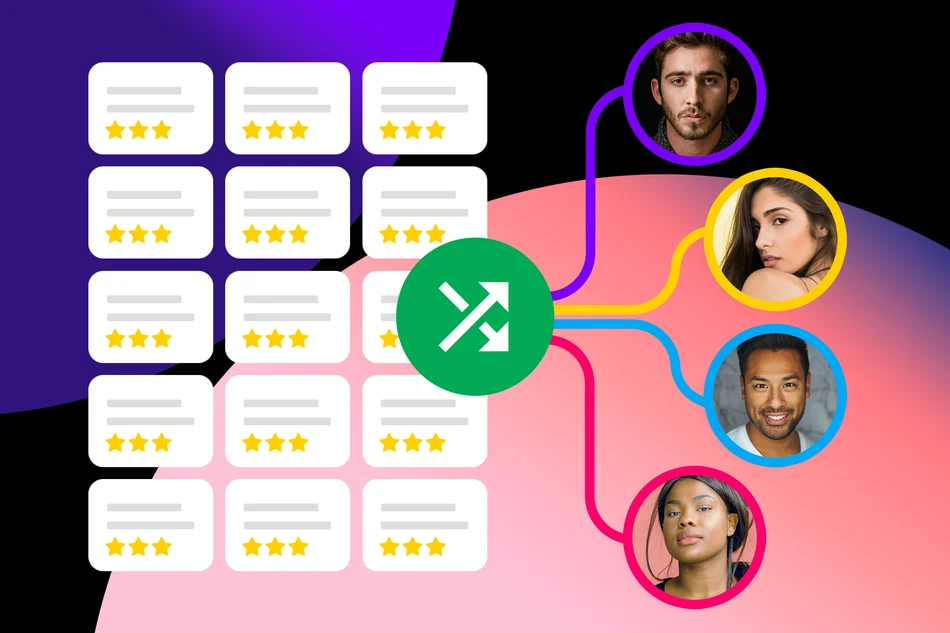
With the new »Random Subset of Options« feature, you can create extensive surveys without overwhelming participants with too many questions or answer options. Each participant sees only a random selection.
Imagine you want participants to rate 100 statements on a Likert scale. This can quickly become tiring and may cause participants to abandon the survey before completing it.
With the new »Random Subset of Options« feature, you can specify that each participant only needs to rate, for example, 10 out of 100 statements. PollUnit randomly selects these statements for each participant. This allows you to collect feedback on a wide range of topics while keeping the effort required from each participant low.
How It Works
When creating your survey, you can enable the »Random Subset of Options« checkbox individually for each survey step.
Then, specify how many options should be displayed. This requires random option ordering to be enabled.
Each participant will see a random selection of the available options. The remaining options will be hidden.
Versatile Use Cases
Random subsets are useful in a variety of scenarios:
- Likert Scales: Have participants rate hundreds of statements without requiring everyone to answer them all.
- Product Evaluations: From 50 product ideas, each participant receives, for example, 5 randomly selected ideas to evaluate.
- Market Research: Distribute extensive question sets across different participants.
- Employee Surveys: Collect feedback on a wide range of topics while reducing the time needed to complete the survey.
Less Effort, More Feedback
Shorter surveys can increase participation rates and reduce survey fatigue. At the same time, you can include significantly more questions and answer options in your survey.
Since options are distributed randomly, the number of responses per option may vary. Keep this in mind when analyzing your results.
Try the new feature in your next survey!
Published at: 2026-10-28 10:22 AM