Turn Your Surveys into Interactive Quizzes and Knowledge Tests
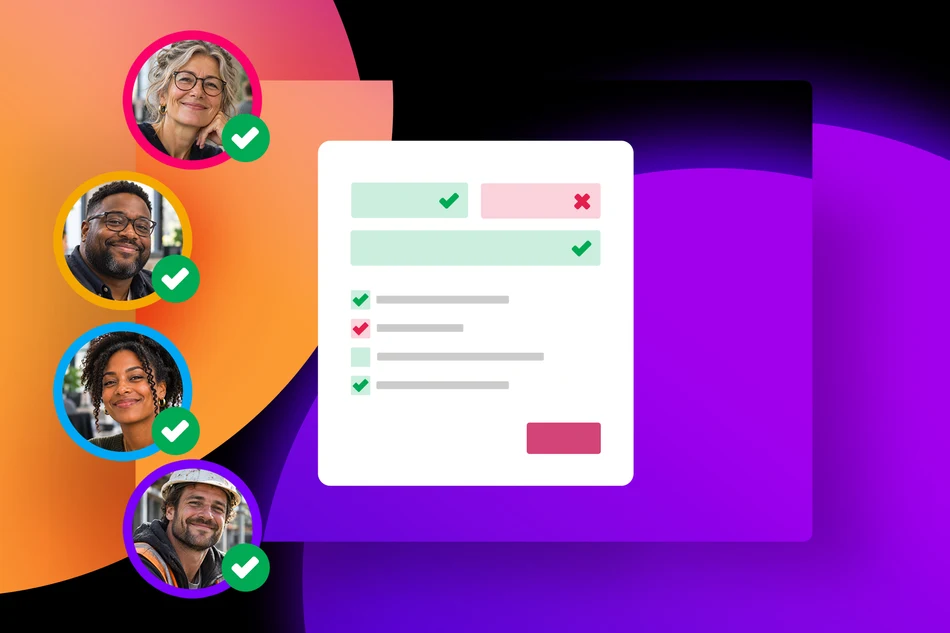
PollUnit surveys are now more versatile! With the new Quiz Steps, you can turn ordinary surveys into interactive learning experiences, knowledge tests, and online assessments. Whether you're training employees, teaching students, or testing participants' knowledge, you can now combine survey questions with quizzes in a single workflow.
Two Ways to Test Knowledge
Quiz Steps allow you to define correct answers and choose how participants are evaluated. Depending on your goals, you can use two different approaches.
1. Require Correct Answers to Continue
In this mode, participants must select the correct answer before they can proceed to the next step.
This is particularly useful for training courses and learning exercises where the goal is to reinforce knowledge rather than assign grades. Participants can work through the material at their own pace, making sure they understand each topic before moving on.
For example, during employee onboarding, you could introduce company policies and follow each section with a question that employees must answer correctly to continue.
2. Award Points for Correct Answers
If you want to measure knowledge and evaluate performance, you can award points for correct answers.
Participants can complete the quiz while their answers are evaluated based on correctness. This approach is ideal for exams, knowledge assessments, and any situation where you want to measure how well participants understand a subject.
For example, a university lecturer could create an online knowledge test to assess how well students have understood the course material.
Combine Quizzes with Traditional Survey Questions
One of the biggest advantages of Quiz Steps is that they are fully integrated into PollUnit's survey builder.
You don't need to create separate quizzes and surveys. Instead, you can combine knowledge tests with regular survey questions, ratings, and feedback fields in a single survey.
For example, you could start with a few questions about participants' previous experience, introduce a series of Quiz Steps, and finish by asking for feedback on the training.
This makes it easy to create interactive learning experiences that go beyond simple multiple-choice tests.
Use Cases for Quiz Steps
Quiz Steps open up new possibilities for schools, universities, companies, nonprofits, and other organizations.
- Employee Onboarding: Introduce new employees to company policies, processes, and important information while checking their understanding.
- Compliance and Safety Training: Create interactive courses covering workplace safety, data protection, or internal guidelines.
- School Quizzes and Classroom Tests: Help teachers assess students' knowledge, reinforce lessons, and create interactive homework assignments.
- University Assessments: Create knowledge tests, practice exams, and self-assessments to support academic learning.
- Professional Development: Evaluate employees' understanding after workshops, training sessions, or internal courses.
- Volunteer Training: Help nonprofits and associations prepare volunteers for their responsibilities with interactive learning modules.
- Event and Workshop Quizzes: Make conferences, seminars, and workshops more engaging with knowledge checks and interactive questions.
- Knowledge Challenges: Create fun quizzes to engage teams, communities, or event participants.
From Simple Surveys to Interactive Learning
With Quiz Steps, PollUnit becomes more than a tool for collecting feedback. You can now share knowledge, reinforce learning, and evaluate understanding while continuing to benefit from the flexibility of the survey builder.
Whether you want to guide participants through a training course or create a scored knowledge test, Quiz Steps give you the tools to make your surveys more interactive and educational.
Ready to try it? Create a survey and add your first Quiz Step!
Published at: 2026-11-04 03:07 PM