Require Participants to Rate All Options
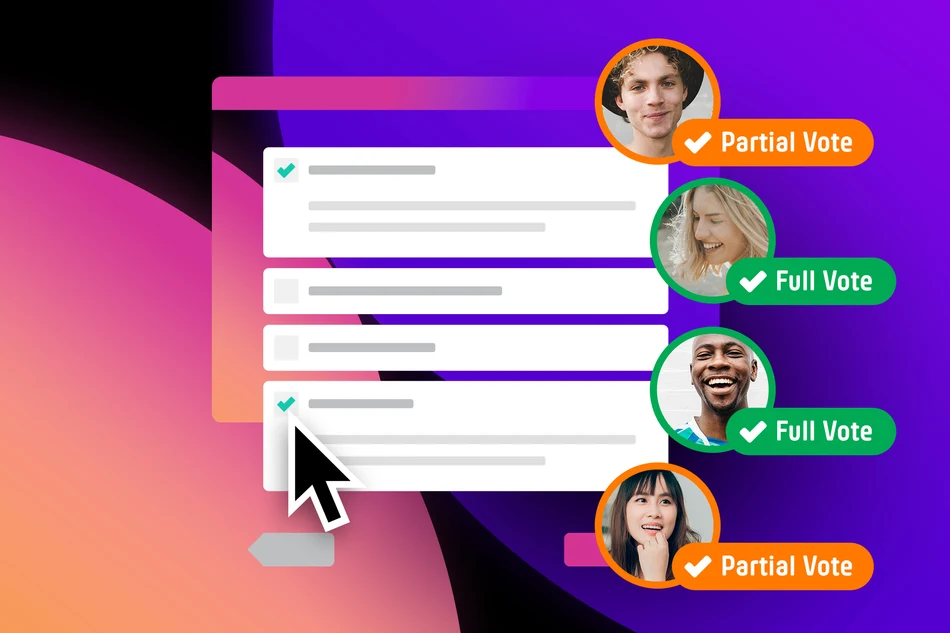
With our latest update, there is a new setting for PollUnit polls, photo, video and audio contests, and idea collections: All options must be rated.
With this feature, you can ensure that every voter rates all available options before their votes are included in the results.
Why is this feature useful?
In many polls and contests, participants should not only rate their favorites but also consider all submissions. This helps create results that are as fair and meaningful as possible.
Without this setting, some options may not receive any ratings, or voters may focus only on a few favorites. With the new feature, votes are therefore only counted once all available options have been rated.
How the setting works
In the advanced settings of the »Poll Maker«, you will find the option »All options must be rated«. When enabled, votes are initially saved but are only considered valid once all available options have been rated.
Only valid votes are:
- included in the ranking
- included in the points calculation
- and counted in the results
Incomplete votes remain visible to administrators. They can be viewed at any time in the evaluation area and can also be analyzed via exports.
Which polls and contests support this feature?
The setting is available for the following PollUnit types:
A voting type with a rating scale is required, for example:
- Stars
- Thumbs up / down
- Number or point scales
- other rating methods with multiple levels
Simple approval systems such as hearts, likes, or similar upvote variants do not support this feature because they do not allow every option to be rated.
Important note
If new options are added later, votes that have already been marked as valid remain valid. Completed ratings therefore do not need to be updated.
For this reason, we recommend using this feature primarily when the submission process has already been completed and no new options will be added.
Fairer results with complete ratings
With the new setting, you can ensure that all participants have the same basis for their ratings. Especially in contests with many submissions, this leads to fairer rankings and a significantly more meaningful distribution of points.
Try the new feature in your next poll or contest.
Published at: 2026-08-19 11:21 AM